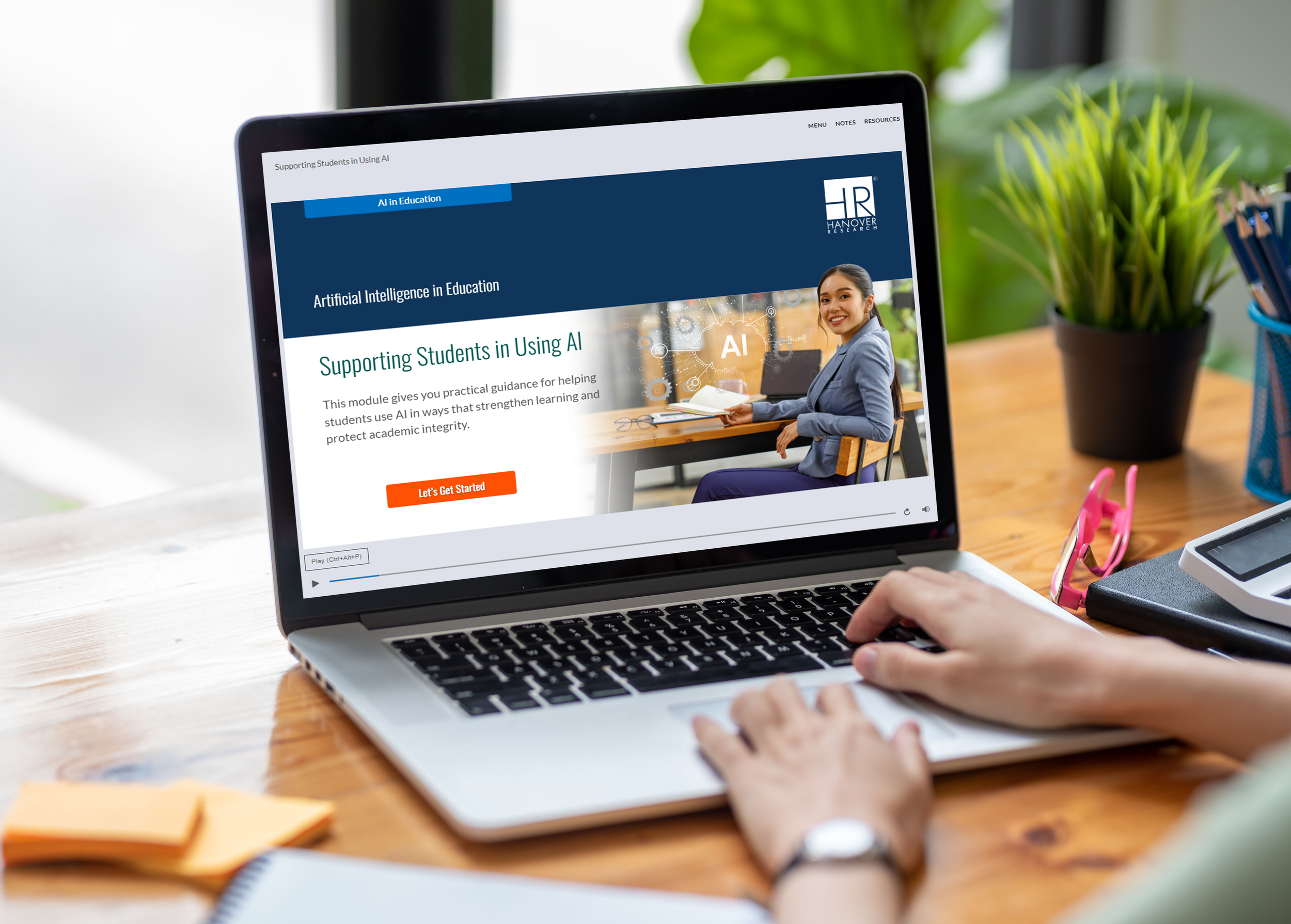
CEI initiative.
Video
CEI
Project: Module on Restorative Practices for Students with Disabilities
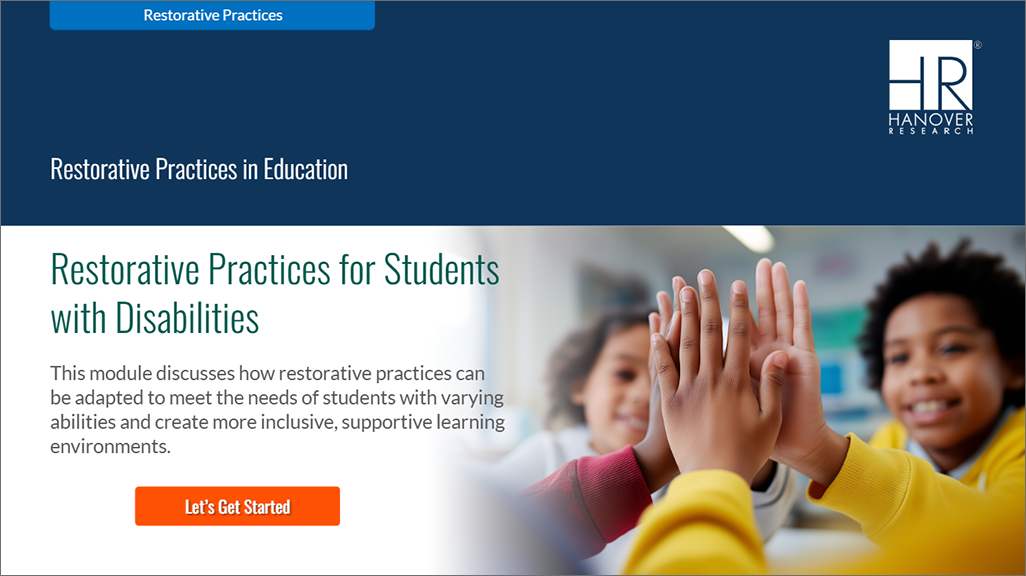
Consistently Designed Opening Screens
Customized opening screens established a unique identity for each learning suite while still maintaining consistency.
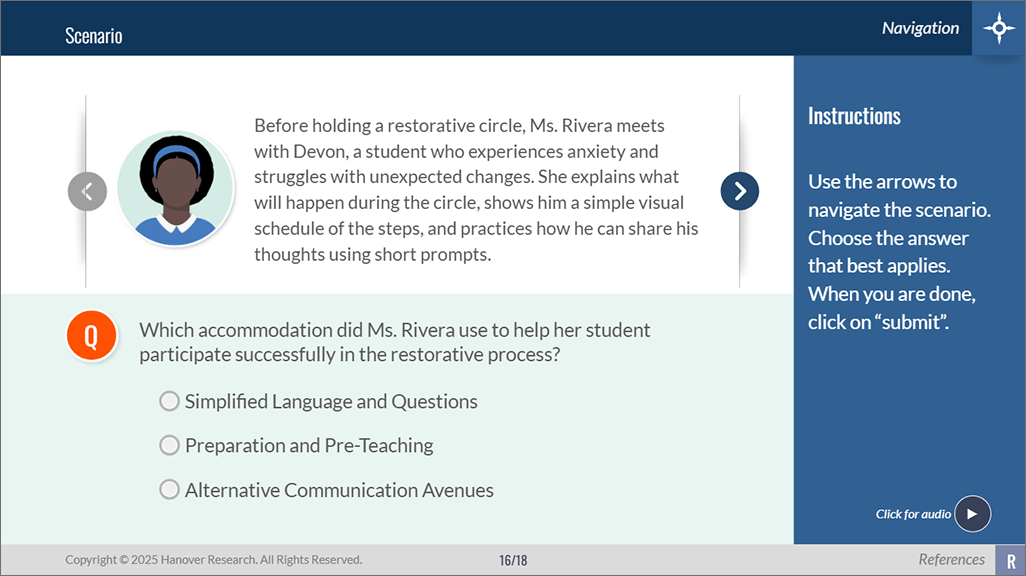
Interactive Self-Check
Interactive self-checks in varied formats, reinforced key concepts through immediate learner feedback.
See it in action:
Scenario Screens
Real-world scenarios helped learners apply concepts in authentic contexts.
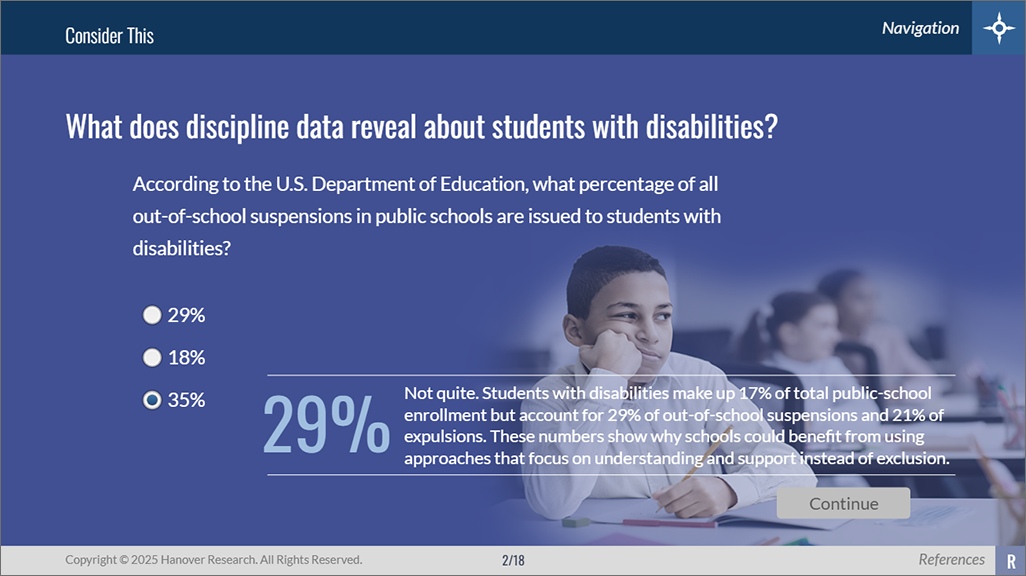
Hook / Activator Screen
A learner-focused activator encouraged reflection and captured attention from the start.
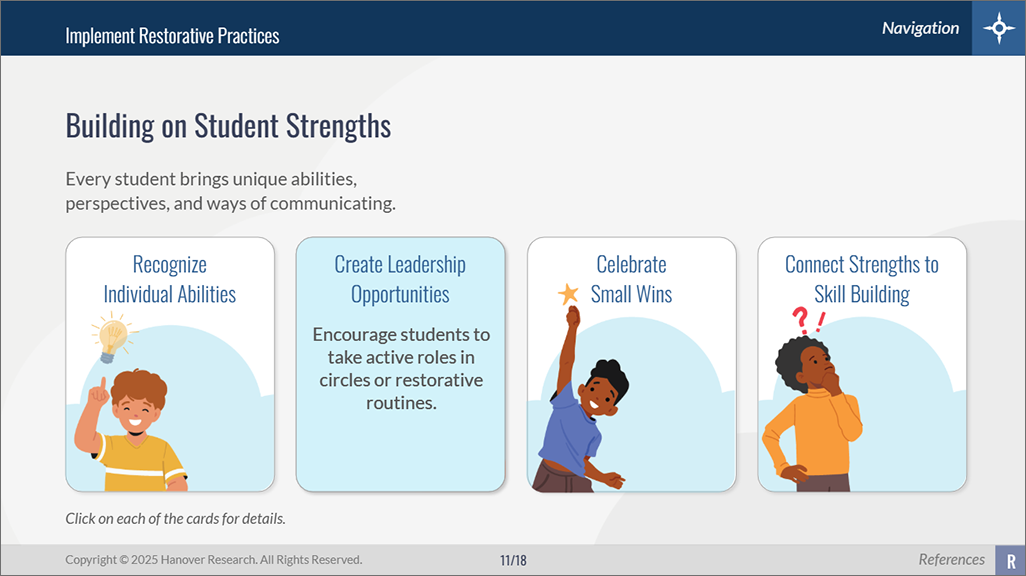
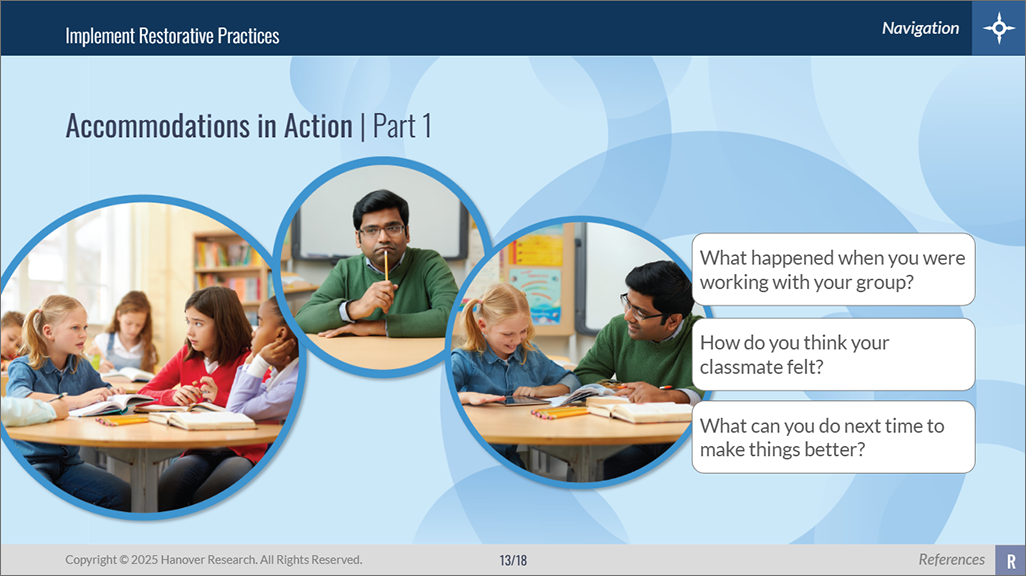
Interactive Engagement Screens
Learners explored content through meaningful interactions designed to increase engagement.
Project: ELC Learning module - Restorative Practices for Students with Disabilities
Client: Hanover Research
Description: One of nearly 100 modules designed for K12 educators to support PD needs. Hanover Research's professional development platform providing engaging, interactive content to support teachers and principals on critical district needs; recognized as one of FETC’s Top EdTech Products of 2024.
My Role:
Led the design, development, and delivery of a large-scale K-12 professional learning library, partnering with SMEs to transform complex content into engaging digital learning experiences.
Established scalable development processes, templates, and screen inventories that improved efficiency, consistency, and quality across nearly 100 learning modules.
Managed the full course production lifecycle, including instructional design review, multimedia development, quality assurance, accessibility compliance, and stakeholder feedback.
Developed advanced eLearning solutions in Articulate Storyline using variables, triggers, branching scenarios, custom interactions, and learner-driven experiences.
Produced and customized multimedia assets using Adobe Creative Cloud tools, including graphics, illustrations, audio, video, and interactive screen elements.
Oversaw LMS deployment and content delivery, including SCORM publishing, testing, web-server updates, and distribution of supporting HTML and PDF resources.
Strong Suit: Proven ability to balance strategic leadership with hands-on development, delivering high-quality learning solutions from concept through deployment.
Blog: Read more about the end-to-end process that I established to make delivering these modules, consistent, replicable, and compelling. Click here.