Lessons Learned. (Occasionally the Hard Way)
Necessity is the mother of invention. Sometimes, a development challenge forces us to find a better, faster, or more flexible way to work. Here are a couple of approaches I've found useful in eLearning development.
Make Content Updates Easier: Embedded vs. Linked Content
If you've spent time working with an eLearning authoring tool, you know the frustration: a stakeholder requests a small change just minutes after you've published a course. What should be a ten-minute edit can turn into reopening project files, republishing a SCORM package, retesting, and redeploying to the LMS.
One way to avoid this extra work is to host certain types of content separately from the course itself.
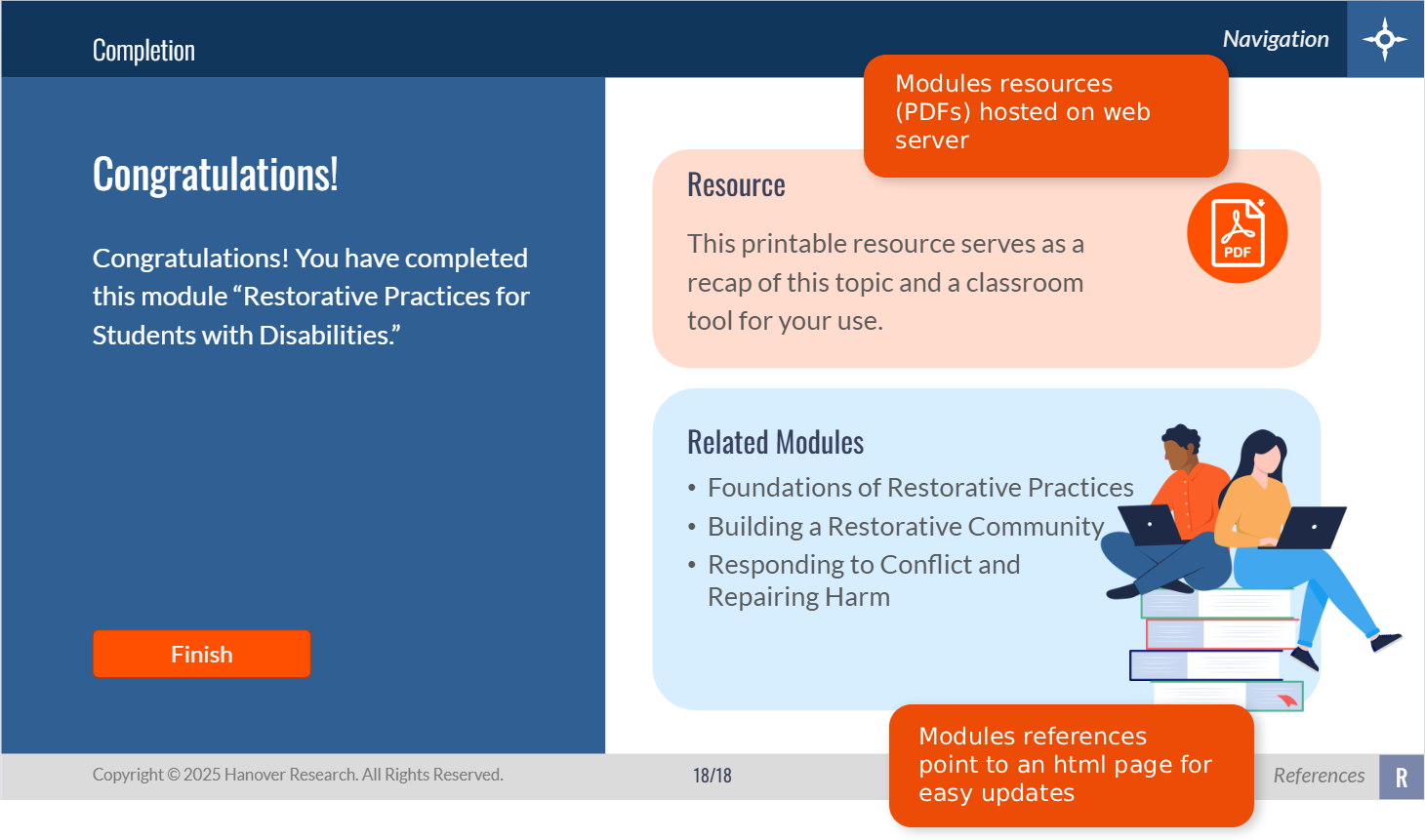
For example, PDFs, videos, and standalone HTML pages can be hosted on a web server and linked to or embedded in a learning module. When that content changes, you can often update the file directly on the server without republishing the entire course.
This approach is particularly useful for content that changes frequently and can be maintained independently of the course's core functionality. It also requires a little planning: links must remain valid, access permissions must be configured correctly, and the hosting environment must support the way the content is delivered.
The lesson: Not every content update needs to trigger a new course release. Separating frequently updated resources from the course can make maintenance more efficient and reduce unnecessary rework.
Beyond the Authoring Tool: Dynamic Data Visualization
Data visualization can be an important part of learning content, helping learners compare values, recognize patterns, and identify trends. However, the built-in charting and data presentation features in traditional eLearning authoring tools may not provide all the flexibility a project requires.
One alternative is to create a dynamic visualization using HTML and JSON. In this approach, HTML defines how the visualization looks and behaves, while JSON supplies the data that drives it. Keeping the data separate from the presentation makes it easier to update values without rebuilding the entire visualization.
The resulting dashboard can be hosted on a web server and, where the LMS and its security settings permit, embedded in a learning module using an iframe. This offers greater flexibility for projects involving changing data or more specialized interactive displays.
The lesson: When an authoring tool's built-in features aren't sufficient, other web technologies can extend what's possible. The key is to choose an approach that supports the learning objective while remaining practical to maintain.
Explore the Example
This interactive loan portfolio dashboard demonstrates how web technologies can present financial data in a more dynamic, exploratory format.
Production Notes: AI-Assisted Development
I started by defining a sample dataset and a learning objective focused on helping learners compare values and identify trends. I used ChatGPT to explore visualization approaches, instructional applications, and implementation options, then refined the design and technical requirements through multiple iterations.
Microsoft Copilot helped generate the HTML and JSON configuration. I reviewed, tested, and refined the output to ensure it met the functional, visual, and instructional objectives.
The lesson: AI can accelerate exploration and development, but the developer's judgment remains essential in defining the problem, evaluating the output, and ensuring the result serves its intended purpose.